V1T — video surveillance systems, software development,hardware, AI analytics, integration and incident managementV1T — video surveillance systems, software development, hardware, AI analytics, integration and incident management
In-house developmentYou choose where data is storedSolutions on our own and third-party hardware
V1T Object software
Live video, recordings, AI analytics, integrations and a single centre for analytics and incident management — on an open-source stack based on Linux.
From retail and manufacturing to energy: standard and custom solutions — software, architecture and hardware selected for your business. From a single site to a network of branches, with one centre for monitoring and incident management.
From ready-made AI scenarios — people detection, licence plate recognition, personal protective equipment, hazardous situations and many more — to custom development. Projects on our own and third-party hardware.
Any cameras and recorders. ONVIF/RTSP plus native drivers for models without ONVIF support — your existing fleet connects with no replacements and no extra hardware.
Third-party software integration. Video and events from other surveillance systems in one shared centre.
AI on top of any source. Analytics runs on the V1T server — cameras do not need on-board intelligence.
Archive and redundancy. Recording, replication to a second server, failover channels, export.
External systems in sync with video. Access control, fire and security alarms, point-of-sale systems (the receipt is linked to the footage), sensors and industrial automation (process control), relays and dry contacts: an event from any of these systems becomes a marker on the recording.
Customisation and development to your requirements. From non-standard AI scenarios trained on video from your site to full integration with your own systems (ERP, MES, dispatch software).
Multi-site and multi-server. Every site in one interface, with access from the web and mobile apps.
Open-source stack — no proprietary licence fees
Linux OSPythonNginxNext.js (React)PostgreSQL
Integrations
Every source in a single centre
Cameras and recorders from any manufacturer, third-party surveillance software, access control and alarm systems, sensors and industrial automation all feed into the V1T platform — and come out as analytics, alarms, incidents and evidence.
V1T camerasand any other manufacturer
Recorders and NVRsincluding models without ONVIF
Optional integrations
Third-party surveillance softwareother VMS and recording software
Access control and alarmsaccess control, fire and security systems
Sensors and industrial automationprocess control, sensors and relays
Point of sale (POS)receipts in sync with video
Thermal camerastemperature monitoring
Microphones and audiosound events
Any other systemintegration built for your project
The V1T Object platformserver · cloud · hybrid
Live videomulti-screen layouts and video walls
Recordings and archivefast search by time and event
AI analyticsready-made scenarios and custom development
Alarms and notificationsto the operator, e-mail, SMS, relays
Export of incident clips with date, time and camera — for review and handover.
Archive redundancy
Backups, a second server, failover channels.
POS integration
Receipts in sync with video, search by line item, checkout monitoring.
Access control and alarms
Security system alarms with video verification.
API and SDK
REST API, webhooks and an SDK for your own systems.
Need a scenario that is not on the list? We build AI modules to specific requirements: our own datasets, training on video from your site, and a pilot before deployment. More about custom development →
Audio analytics
The system does not just watch — it listens
Sound from camera microphones and standalone microphones becomes text, and text becomes events: a conflict at the checkout, a breach of procedure, the one phrase you need in thousands of hours of recordings. Speech recognition and meaning analysis run on the on-site server or on our own capacity — audio never leaves the chosen perimeter and is never passed to third-party services.
Speech transcription
Speech is turned into text linked to the video timecode: from any phrase, one click takes you to that moment in the footage.
Speaker separation
The system tells the participants apart — staff and visitor — without identifying anyone.
Meaning analysis
What is assessed is the substance of the conversation, not a list of words: was there a conflict, was the procedure followed, how did the enquiry end. The result is a short summary instead of hundreds of pages of transcript.
Keywords and stop-words
Defined phrases become alarms: a call for help, threats, abusive language, prohibited arrangements.
How it works
In real time
The stream is monitored live: a stop-word or a conflict raises an instant alarm for the operator, with an incident card and the matching clip.
Post-analysis of recordings
Thousands of hours of archive are processed in batches — with no manual listening. The result is a list of findings and a summary by shift, site or department.
Search across transcripts
Full-text search across the whole archive of conversations, with a jump to the exact second of video.
Scheduled reports
Regular summaries: daily by shift, weekly by store, or across the whole network of sites.
Where it is used
Conflicts and aggression. Shouting, threats or a row in the hall or at reception — security receives an alarm with the sound and the video at once.
Service quality. Adherence to the sales script, greeting, upselling and politeness — measured objectively across every shift instead of by spot checks.
Procedures and workplace safety. Briefings, spoken commands and confirmations, radio traffic — proof that the procedure was actually carried out.
Incident investigations. An incident card carries not only the video but the transcript: exactly what was said at that moment.
Archive analysis
Analyse thousands of hours of archived video automatically
V1T software watches and listens to recordings instead of a person — archives from NVRs, servers and delivered disks. Computer vision recognises what is in the frame, speech is converted to text, and semantic analysis with language models finds violations and conflicts in it. The output is a list of incidents with timecodes and recording clips.
Loading recordings
NVRs, including non-ONVIF modelsV1T server and cloud archivesPersonal video recorders (bodycams)Disks and storage: HDD, JBODThird-party surveillance softwareMobile video recorder drives and memory cards
Computer vision and speech transcriptionComputer vision tags people, vehicles, objects and actions in the frame across every camera in the archive. Where a recording has sound, models tuned for Russian speech convert it to text with timecodes and speaker separation.
Semantic analysis with language modelsFrames and text are checked against the customer's rules. A rule can be described in plain words — no programming or retraining.
Incidents and reportsA list of events with video clips, summaries by camera, site and shift, search by description and by transcript, export to Excel and PDF, delivery via API.
Entry into restricted zonesIntrusion and perimeter crossingPPE violations: helmet, vest, glovesSafety rule violationsPeople in a machinery danger zoneFire, smoke, sparksFalls and injuriesSmoking in prohibited areasDrinking alcohol at workPhone use during workDowntime and absence from the workplaceAbandoned objectsFinding a person or vehicle by attributes and descriptionLicence plates over a periodFootfall, queues and heat maps over a periodRudeness, aggression, threatsCamera covered or disconnectedAny other scenarios and search targets can be developed for your requirements
Where it runsProcessing runs on V1T GPU capacity or on the customer's server — including a fully closed network the recordings never leave. Speech recognition, language models and computer vision run only on these servers: recordings are never sent to external AI services.
Scenarios for your taskRules in plain text, zones and schedules, computer-vision models fine-tuned on your cameras. A new scenario can be applied to the archive you already have — for past months.
Choose an industry and we will show the typical AI analytics scenarios and the right hardware.
Retail: shops and shopping centres
Losses at the checkout, queues, empty shelves and no data on customer behaviour.
Visitor counting and conversionUnique visitorsCheckout queuesSales floor heat mapsReceipt ↔ video (POS)Abandoned objectsIntrusion after closingCamera tamperingSmoke and fireStaff activityParking at the storeAttribute searchCross-camera tracking across the mallSearch by descriptionEmergency exits
Hardware
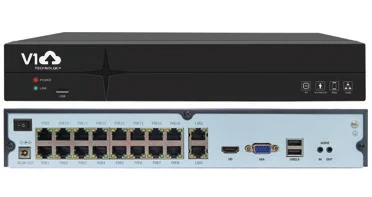
Dome and turret cameras for the sales floor, PoE NVR
A V1T server with AI, or the cloud for a chain of stores
Missing cargo, disputes with carriers, unauthorised people on site.
Perimeter and intrusionPlate recognition at checkpoints and weighbridgesVehicle movement across the siteCargo and pallet countingLoading area monitoringPPE complianceStaff activityCross-camera trackingAttribute searchSmoke and fireAbandoned objectsTemperature sensors ↔ videoForklifts and pedestriansWagon and container numbers
Hardware
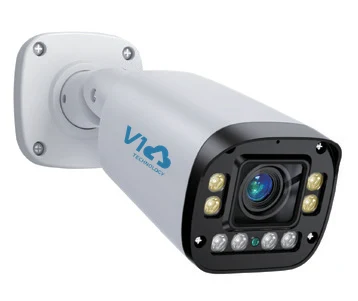
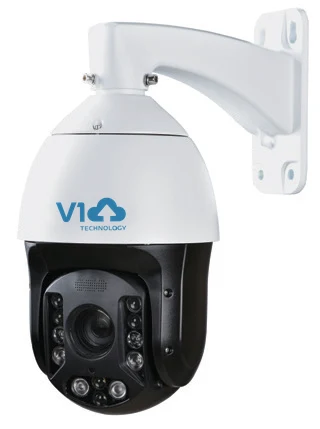
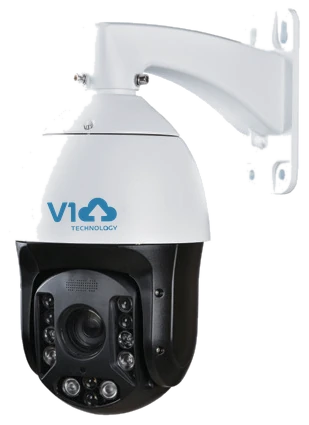
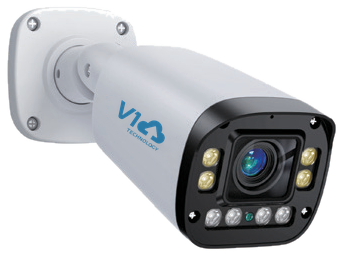
Bullet cameras along the perimeter, PTZ across the yard
Injuries, safety violations, downtime and incidents with no evidence to rely on.
PPE: hard hats and vestsFall detectionIntrusion into hazardous zonesActivity at workstationsSmoke and fireProduct counting on the linePlate recognition for plant vehiclesCamera tamperingLoud soundProcess control and sensors ↔ videoTank fill levelConveyor monitoringMachinery and pedestriansHealth & safety incident log
Theft of materials, safety violations, disputes with contractors over deadlines and volumes.
Perimeter outside working hoursLoiteringPPE compliancePlate recognition at the machinery entranceCounting machinery and peopleSmoke and fireConstruction timeline (time-lapse)Vehicle movement controlVideo evidence
Access control, parking and the security of common areas outside working hours.
Access control ↔ video at entrancesVisitor countingQueues at receptionParking and plate recognition at the barrierAbandoned objects in lobbiesTailgating on a single badgeIntrusion outside working hoursHeat mapsSmoke and fireCamera tampering
Hardware
Dome cameras in common areas, an NVR per floor
A single centre for the landlord and security team
Regulatory requirements, incidents in branches and ATM areas.
Loitering near ATMsLoud sound: glass, shoutingCamera tamperingAbandoned objectsQueues in the branchVisitor countingIncident logVideo evidenceArchive redundancyAccess control and alarms ↔ video
Hardware
Cameras for branches, duplicated archive
On-premise deployment, data inside the bank's own network
Drive-offs without payment, fire safety and monitoring of the checkout area.
Plate recognition: barriers and entry logsParking space occupancyStopping in a restricted zoneFuel spillsReceipt ↔ video at the checkoutSmoke and fireIntrusionLoiteringEmergency vehicles
Hardware
IR cameras at the entry and exit, PoE NVR
Cloud for a fuel station chain — every station in one window
Vandalism, unauthorised cars in courtyards, disputes between residents, unlit areas.
Courtyards: intrusion and loiteringPlate recognition at the barrierAutomatic access for emergency vehiclesParking control in courtyardsAbandoned objectsLoud soundVandalism and camera tamperingAnimal detectionEntrance halls and pram roomsCross-camera tracking across the site
Hardware
Dome cameras in entrance halls, bullets in courtyards
School perimeter security, strangers on the grounds, entrance control.
School perimeterLoitering along the fenceCrowd detectionLoud sound: shoutingSmoke and fireAbandoned objectsCounting people enteringEntrance access control ↔ videoCamera tampering
Patient falls, queues at reception, access to staff-only areas.
Fall detectionStaff activity at stationsQueues at the registration deskVisitor countingAbandoned objectsEmergency vehicles at the rampAccess control to staff areasMask detectionIncident log
Hardware
Dome cameras in corridors and lobbies
An on-premise server — data never leaves the facility
Checkout and bar monitoring, queues at reception, kitchen and parking safety.
Queues at reception and checkoutsVisitor counting and unique visitorsHeat maps of the hallsReceipt ↔ video: bar and checkoutStaff activitySmoke and fire in the kitchenGuest parking and plate recognitionAbandoned objects
Sites with no wired network, theft, monitoring of animals and machinery.
Perimeter of fields and farmsAnimal detectionCounting animals and machineryPlate recognition at weighbridges and checkpointsSmoke and fire: elevators and dryersTemperature and humidity sensors ↔ videoFill level: elevators and silosMachinery movement control
Perimeter protection and unauthorised access requirements, procedure compliance, evidence.
Perimeter: intrusion and line crossingLoitering along the fenceUnauthorised access: access control ↔ videoPPE complianceCamera tamperingSmoke and fireSensors and process control ↔ videoSpills and leaksIncident logVideo evidenceRedundancy and failover
Connect cameras or local recorders to the V1T cloud: storage, access and AI analytics run on our GPU servers. You choose where the data is stored.
On-premise
A server at your site
Video never leaves the site network
Works without an internet connection
AI on your own GPU server
For banks, critical infrastructure and plants
Cloud
object.v1t.tech
No server to buy — a fast start
AI analytics on V1T GPU capacity
Cameras and NVRs from different locations in one window
For retail chains, fuel stations and construction sites
Hybrid
Server + cloud
Archive on site, access and analytics from the cloud
Cloud backup of your most important cameras
Heavy AI in the cloud, the core system on site
For distributed companies
Deployment examples
How the system is deployed
Five typical designs — from a fully on-premise system to the cloud and a network of sites. They can be combined; we will pick the right one for your site.
Fully on-premise — cameras connected straight to the V1T server
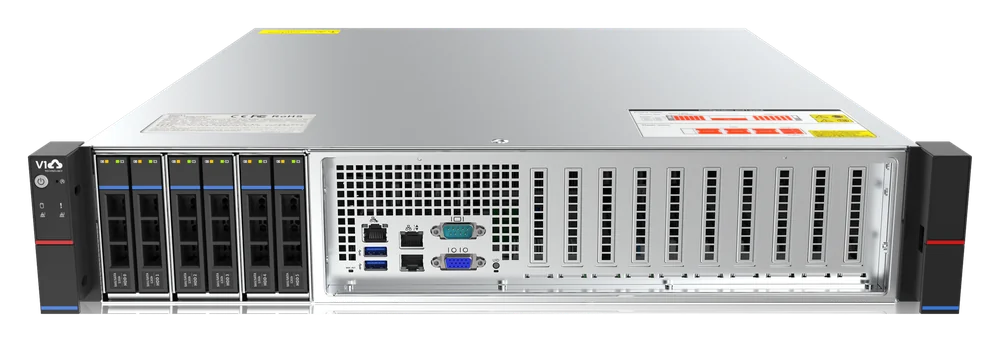
The default design: no separate NVRs — V1T cameras and those of any other manufacturer record straight to the server running V1T Object software, which also handles the AI analytics.
We supply the server — or you use your own server and take only the software from us.
Two levels of AI: basic analytics on the CPU or the full set with a GPU; heavy AI can also be moved to the V1T cloud.
External access (web/app) is optional: a fully closed, air-gapped network with no internet connection is possible for restricted sites.
Fault-tolerant option: a second V1T server with archive replication and automatic failover — for banks and critical infrastructure.
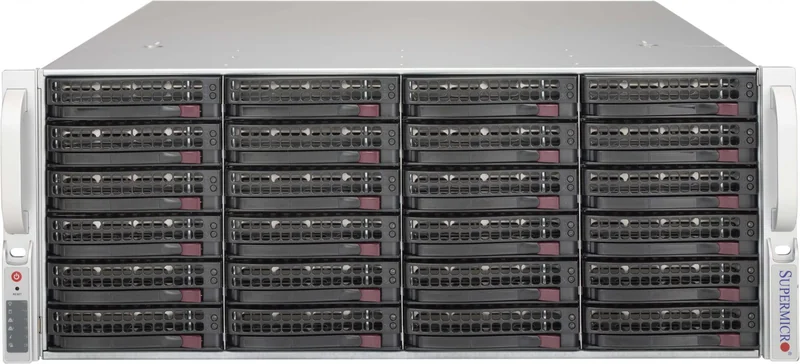
Far more storage can be attached: disk shelves with high-capacity drives for long-term retention and backup.
On-premise server + existing NVRs
Already have a fleet of recorders? Nothing changes: the V1T server brings many NVRs from different manufacturers — including models without ONVIF — into a single centre.
Cameras stay connected to their own NVRs, and recording is duplicated on the recorders.
V1T AI analytics runs on top of the NVR video — no additional hardware is required.
It also works on top of a third-party VMS: we take the video and events and add AI, incidents and evidence.
Long-term retention and backup live on the server's disk shelves.
Hybrid: on-premise server + cloud
Archive and offline operation stay on site; GPU analytics, backups and access from anywhere come from the V1T cloud.
Heavy AI scenarios run on cloud GPU capacity — the on-site server does not need a GPU of its own.
A cloud backup of critical cameras: a local incident cannot destroy the evidence.
Access through the web and mobile apps with no port forwarding or public IP addresses.
Pure cloud — no server of your own
A fast start for small and distributed sites: the whole system lives in object.v1t.tech.
Supported camera models connect to the cloud directly — with no NVR at all.
For all other cameras there is a compact relay device on site.
With an NVR: the archive stays locally on the recorder while AI analytics and access come from the cloud.
Cloud retention depth is set to your needs; AI runs on V1T GPU servers.
A network of sites — one centre
Branches, stores and sites with different hardware are brought together into one monitoring and incident management centre.
The centre can be the V1T cloud — or your own central server at head office.
Sites can run anything: NVRs, V1T servers or just cameras.
Shared roles and permissions, cross-site search, reports and an incident log covering every site.
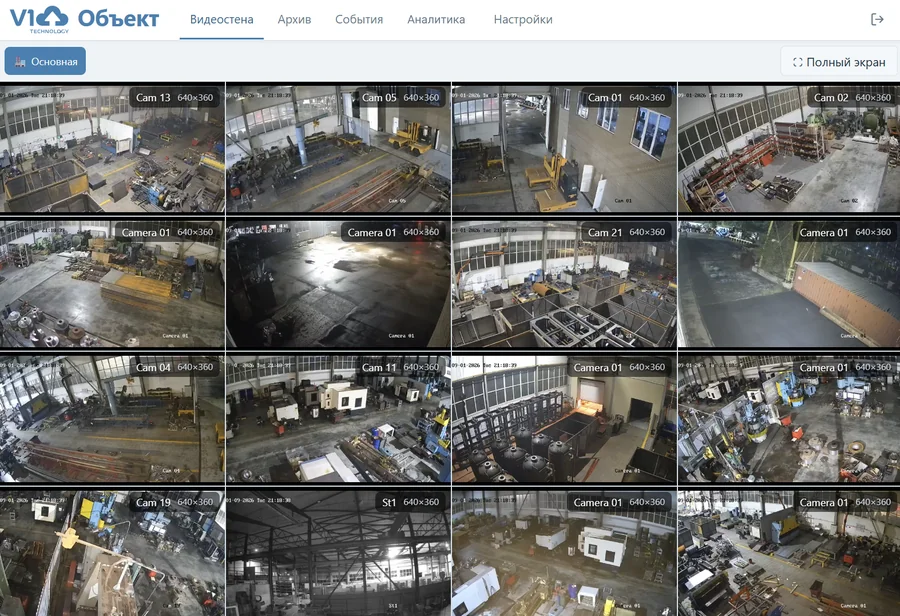
A control-room video wall — as in the real screenshot in the software section.
Protected perimeter
Operating in a closed network and on critical infrastructure sites
Critical information infrastructure covers energy, industry, transport, telecoms, finance and healthcare. Sites like these are required to keep the system and its data inside their own protected perimeter. V1T Object is deployed exactly that way: the server stands on site, and video, audio and analytics results stay inside and are never sent out.
No internet connection
Isolated installation (air-gap)
The system runs on the site network with no external connections
No calls to clouds or third-party services
Updates and models are transferred on removable media
AI inside the perimeter
Analytics never travels outside
Video and audio analytics run on the on-site server
Archive analysis runs there too, with no recordings exported
An open-source stack based on Linux
Access and control
Who did what, and when
Roles and permissions per site, camera and function
An audit log of operator actions and archive exports
Clip export for investigations, recorded in the audit log
Fault tolerance
No recording is lost
A second server with archive replication and automatic failover
Backup channels and disk shelves for long-term retention
Access control and alarm integration inside the same perimeter
Incident management
From alarm to video evidence
Video surveillance pays off when an incident can be reviewed and proven. In V1T Object that is built in.
Instant notifications
An AI or sensor event goes to the operator monitor, e-mail, messengers or SMS. Output to relays and site automation (siren, barrier, line stop) is built as a separate integration designed around the customer's scenario.
Incident log
Every alarm becomes a card: status, owner, comments, linked video clips and site-level reporting.
Clip export
Export of incident clips with date, time and camera — for review and handover to the people responsible.
Redundancy
Archive copies on a second server or in the cloud plus failover channels — no recording is lost.
Hardware
Hardware pre-integrated with the platform
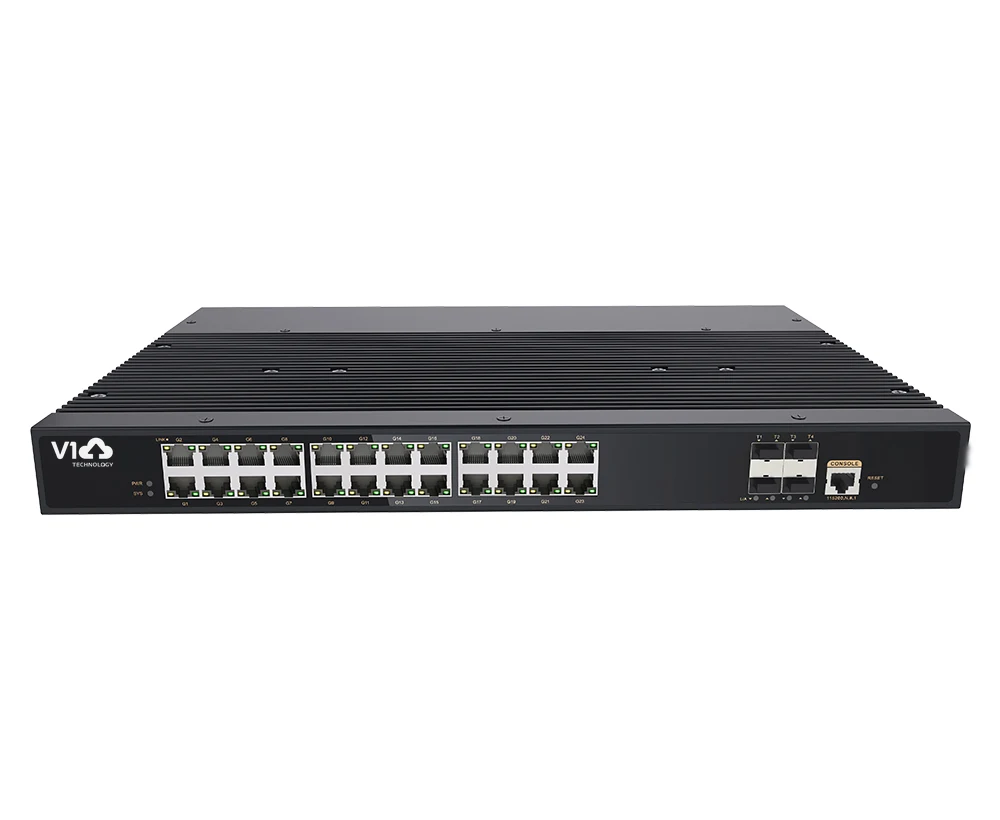
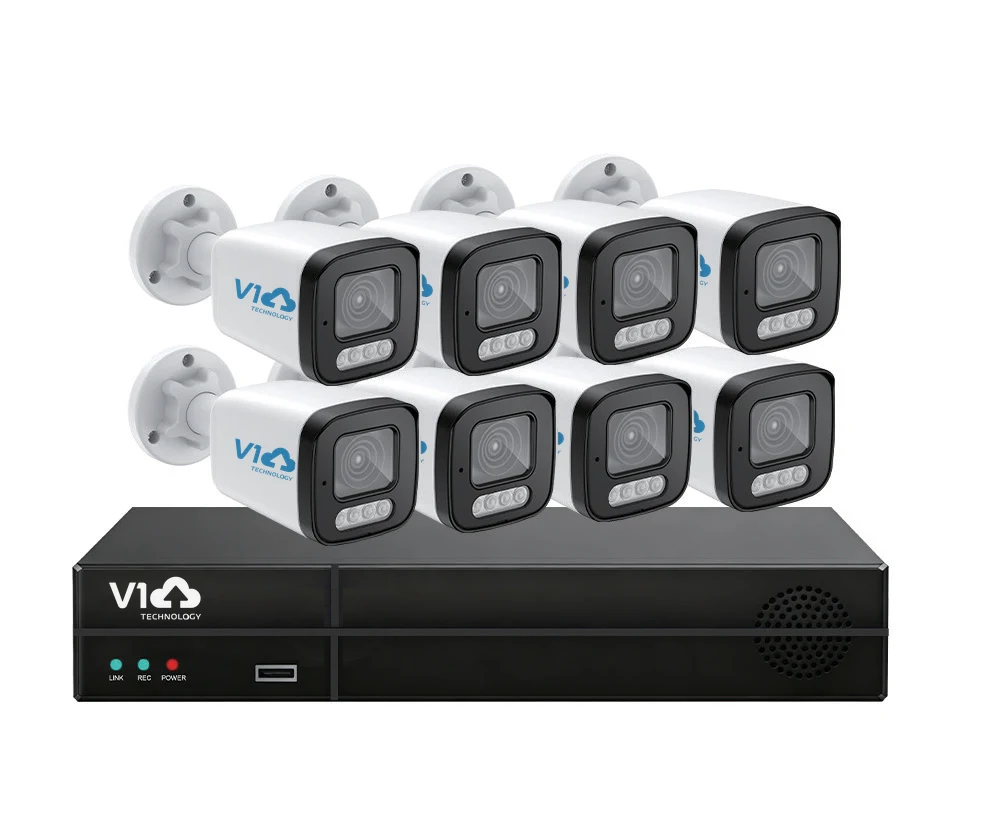
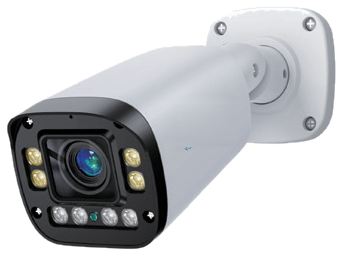
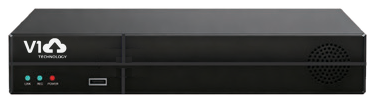
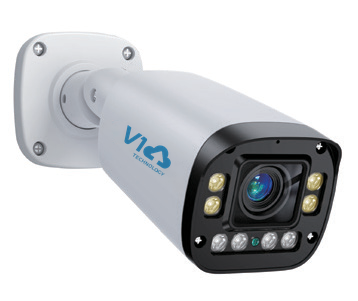
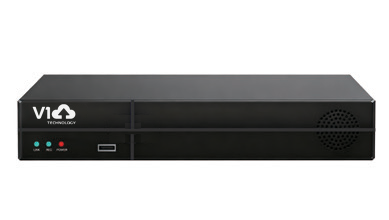
Cameras, recorders, switches and servers of our own design — they work out of the box. Pricing and selection on request.
Our own development team trains AI on video from your site, integrates with your systems and adapts reports and interfaces.
Request and survey
We look at the site, the cameras and the task
Specification and dataset
We prepare data from your own video
Pilot
The module on one or two cameras, with quality metrics
Deployment
Roll-out across the site and staff training
Support
SLA and ongoing model retraining
About us
V1T — developer of video surveillance software and hardware
V1T builds software and hardware for video surveillance and AI analytics — both for fixed sites and for vehicles. We bring video, telematics and artificial intelligence together into a single ecosystem that makes operations safer.
V1T Object is our fixed-site surveillance line: we develop the software, design the hardware and take responsibility for the whole system — from the camera to the analytics.
Video surveillance for transport — recorders, cameras and ADAS/DSM AI analytics for fleets and special machinery — is at www.v1tech.ru.
FAQ
Frequently asked questions
Our cameras are already installed. Do we have to replace everything?
No. V1T Object software connects cameras and recorders from any manufacturer — over ONVIF/RTSP or with native drivers, including models without ONVIF support. AI analytics runs on the server, so no additional hardware is required.
We already run another VMS. Can we keep it?
Yes. Video and events from third-party recording systems are integrated into the single V1T centre — analytics and the incident log run on top of them.
Where is data stored when the cloud is used?
Only on V1T servers or on your own hardware — you choose the location. No third-party cloud services are used.
How much does it cost?
The configuration depends heavily on the site: the number of cameras, the analytics scenarios and storage requirements. Send us a request and we will design a configuration and prepare a quote.
The AI scenario we need is not on the list. What should we do?
We develop modules for specific requirements: we build a dataset from your site video, train the model, run a pilot and then deploy it. See the Development section.
Contact us
Send us a request — a manager will get in touch during business hours and put together a solution for your site.



 The V1T Object